How to customize the signing portal including editing the branding, logo and the forwarding URL (Teams users only)
Updated on:
October 27, 2023
Did you know that Teams users have the option to personalize their signing portal by customizing elements such as branding, logo, and the forwarding URL? 🤠
In this article you will learn how to:
Go to your settings page:

Select the "Team" tab:

Note | You can also access your settings page by opening the signature request block in your workflow and clicking on "Custom eSign Portal Branding" here:

The first option you will see is the selection of your team name. In this field, insert the team name you want and click "Save":

Once you've designated your team name, you can proceed to invite up to 5 members by entering their email addresses in this field:

After you added your team member email address, click "Invite":

Choose the level of access for each team member. You have the option to designate them as either administrators or editors:

In case you need to remove a member, simply click on "Remove Access":

You can now personalize your team branding, which will determine the appearance of your signing portal. To begin, select your brand color. If you're unsure about the specific color code you want to use, you can find it at this link:

Next, choose your brand logo:

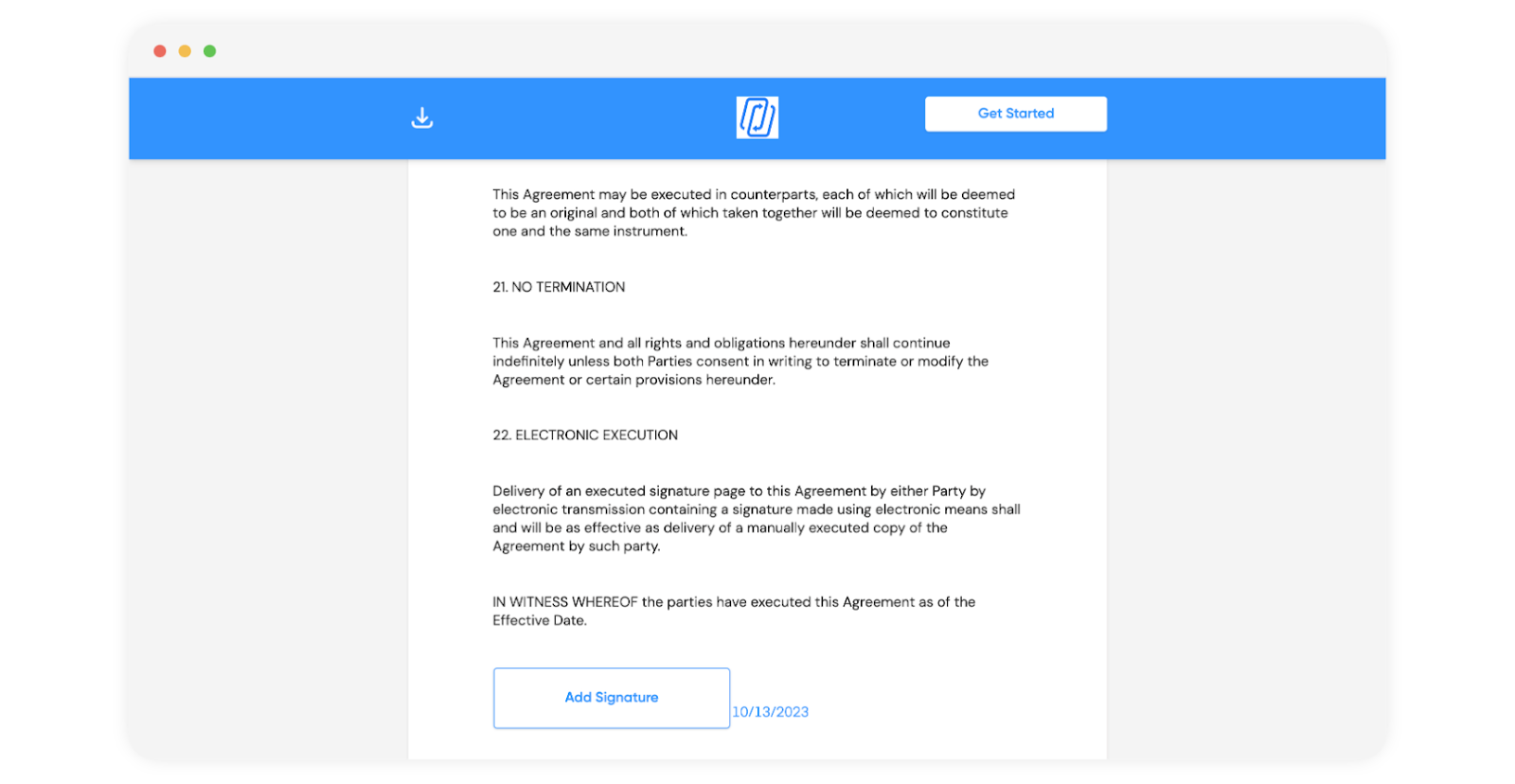
Once your recipients receive a signature request, your branding will be prominently displayed on the signing portal, like this:
Open your signature request block:

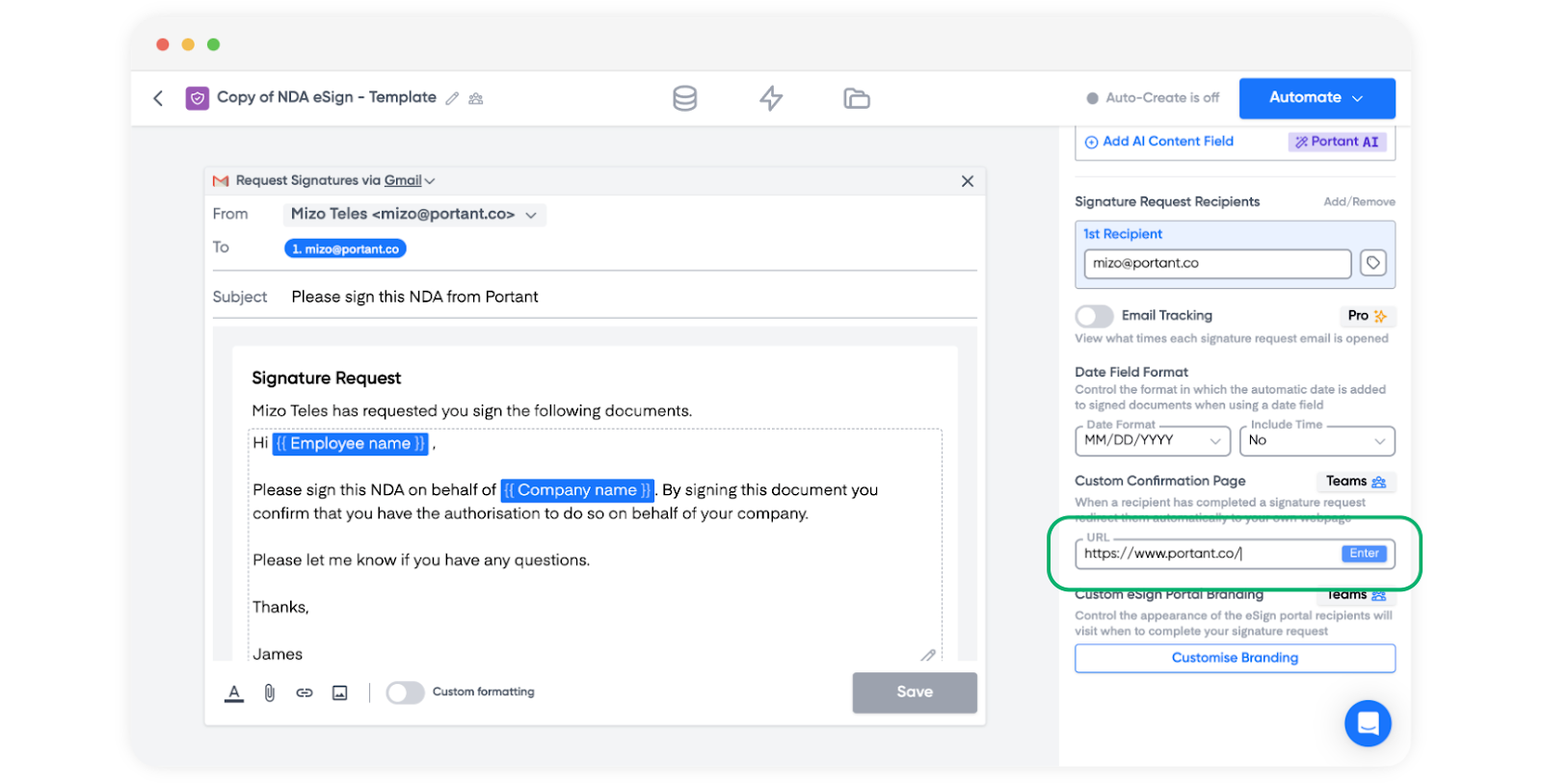
On the right-hand side of your screen, you will see a "Custom Confirmation Page" field:

Enter the URL where you want your users to be redirected, and then click "Enter."
Note| Have in mind that the URL must include "https://" for it to function correctly.
You're done! 🥳 🎉
From now on, each time your recipient signs a document from your signing portal, they will be automatically redirected to the URL you've chosen.

We created Portant in 2021 and the feedback we have received since then has been very helpful and greatly appreciated. If you have any feedback please feel free to send us an email at contact@portant.co or use our contact form here: https://www.portant.co/support
Thanks,
Blake and James
You can do a lot more than just mail merge with Portant. Portant is a fully-fledged online document automation solution that can optimise many different document flows. You can use our online document automation platform to optimise your repetitive work, so you can get back to doing the work you enjoy.
Get started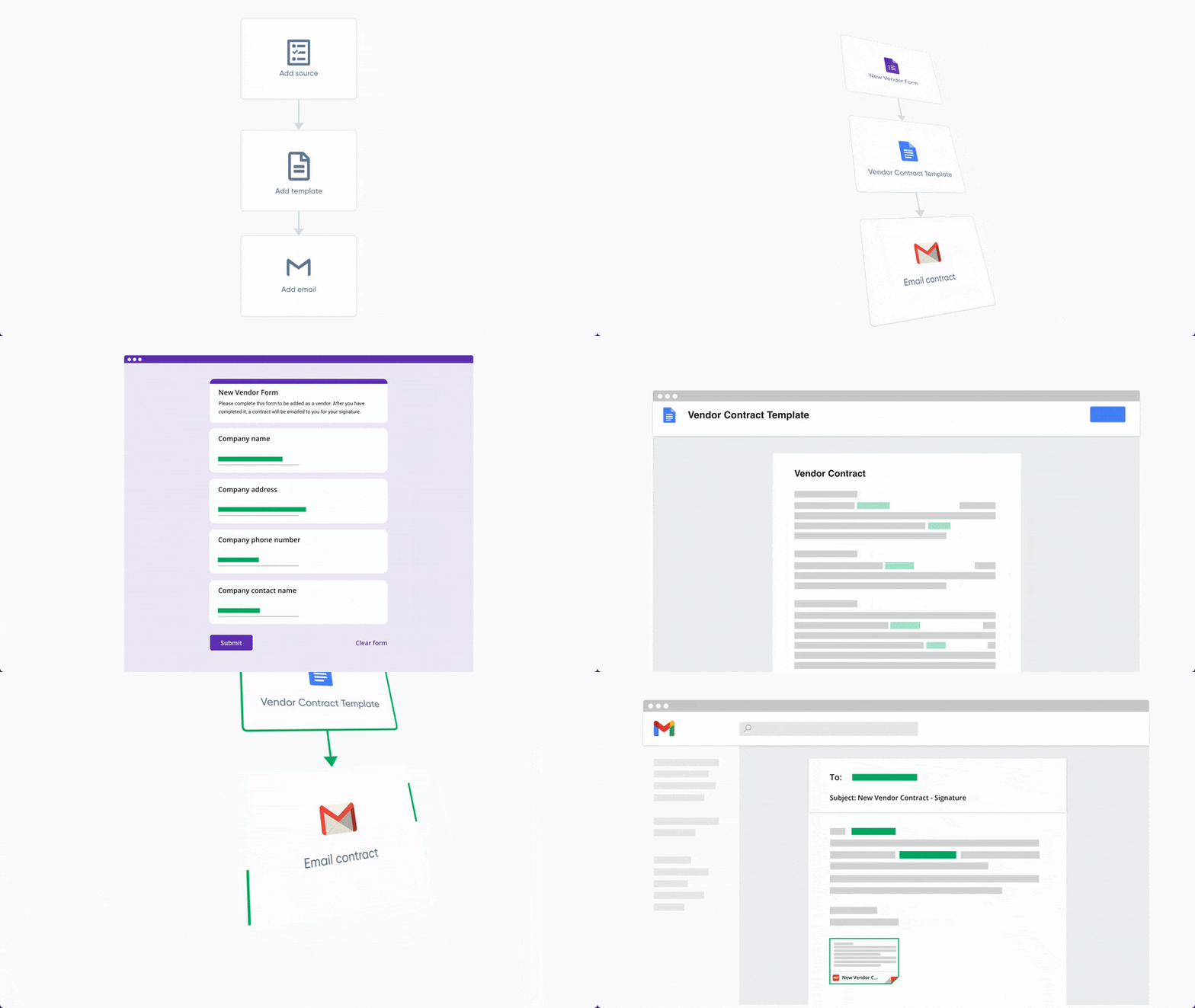
Transform your work life with responsive, fully customizable, and easy-to-use templates.